
A quiet cue for everyday choices.
Can’t decide?
Your answer is already on your Lock Screen.
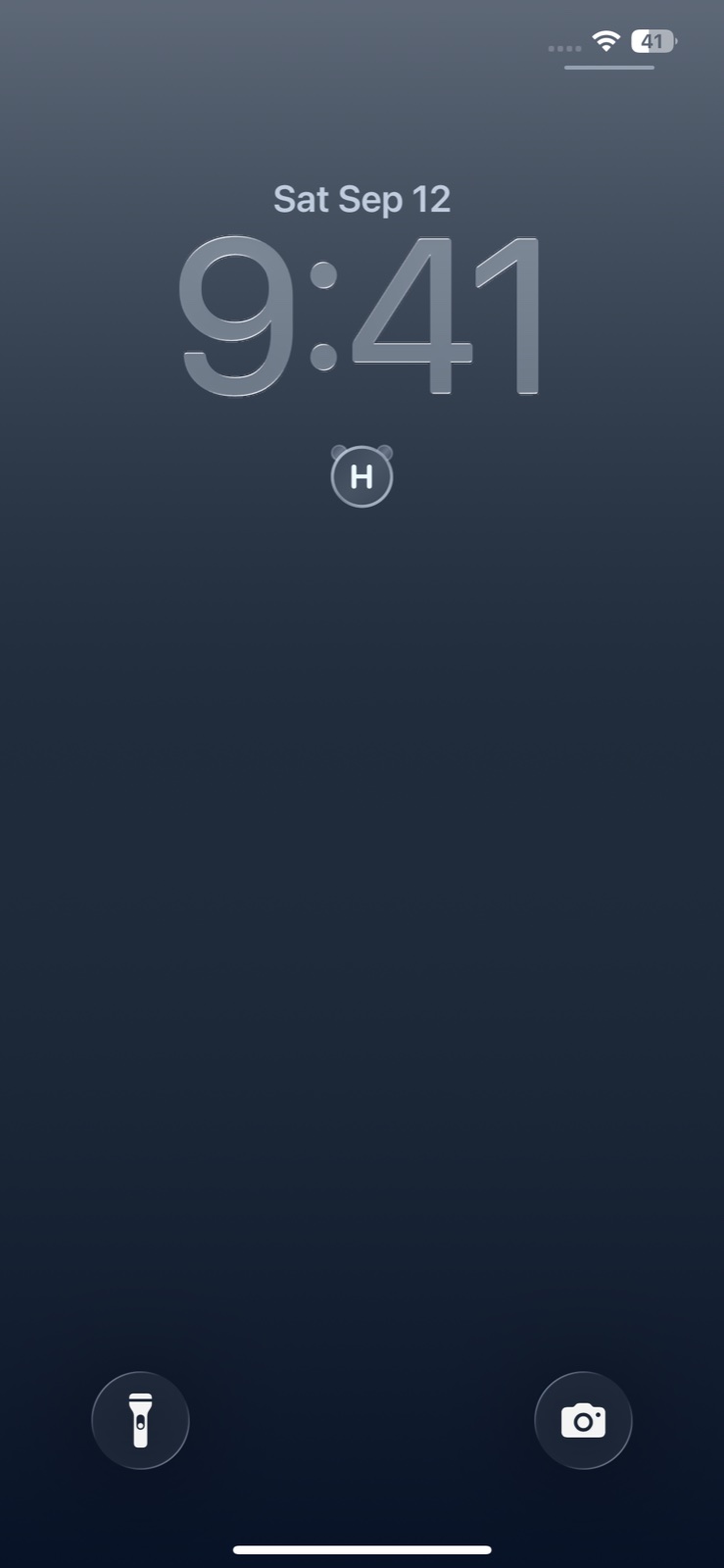
Can’t decide between two things? PANDA MONO is an iPhone app for moments like these. Decide in your head that heads means vanilla and tails means chocolate, then look at your Lock Screen. The coin result gives you a little nudge.

Open the app once to set it up, then add the widget to your Lock Screen.
How it works
Choose a meaning. Then just look.
- 01
A small choice.
Vanilla or chocolate? For the little choices without a right answer.
- 02H= vanillaT= chocolate
Assign an option to each side.
Give each result a meaning in your head—nothing to type in.
An example only. The app does not ask you to enter options. - 03

Glance at your Lock Screen.
When you need a nudge, look at your iPhone. Your cue is already there.
Already there
An answer before you tap.
The app picks a new result automatically over time. Once you’ve completed setup and added the widget, you can check the result on your Lock Screen without opening the app.
It isn’t fortune-telling, AI advice, or a claim to know what’s right. It’s simply a gentle way to get unstuck.

A small circular widget with subtle panda ears.
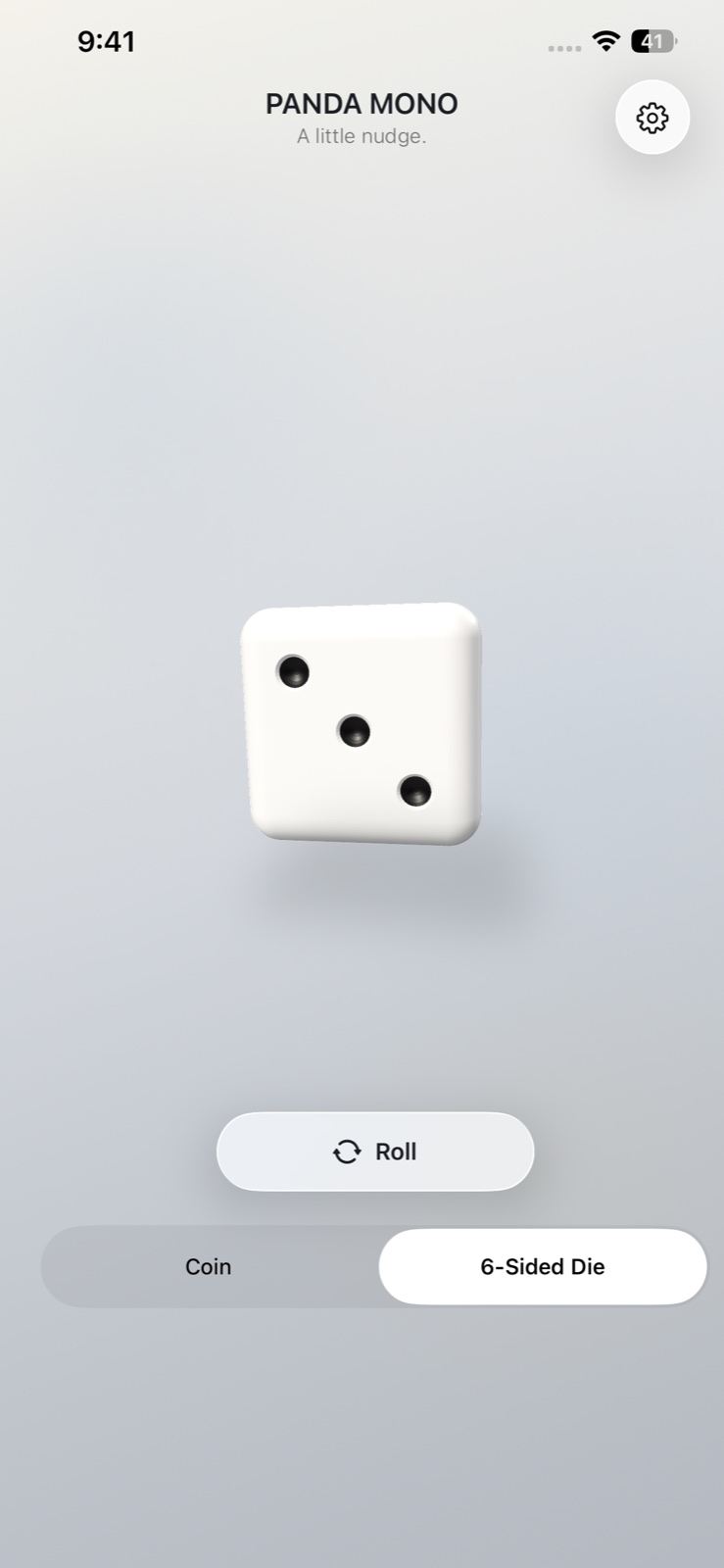
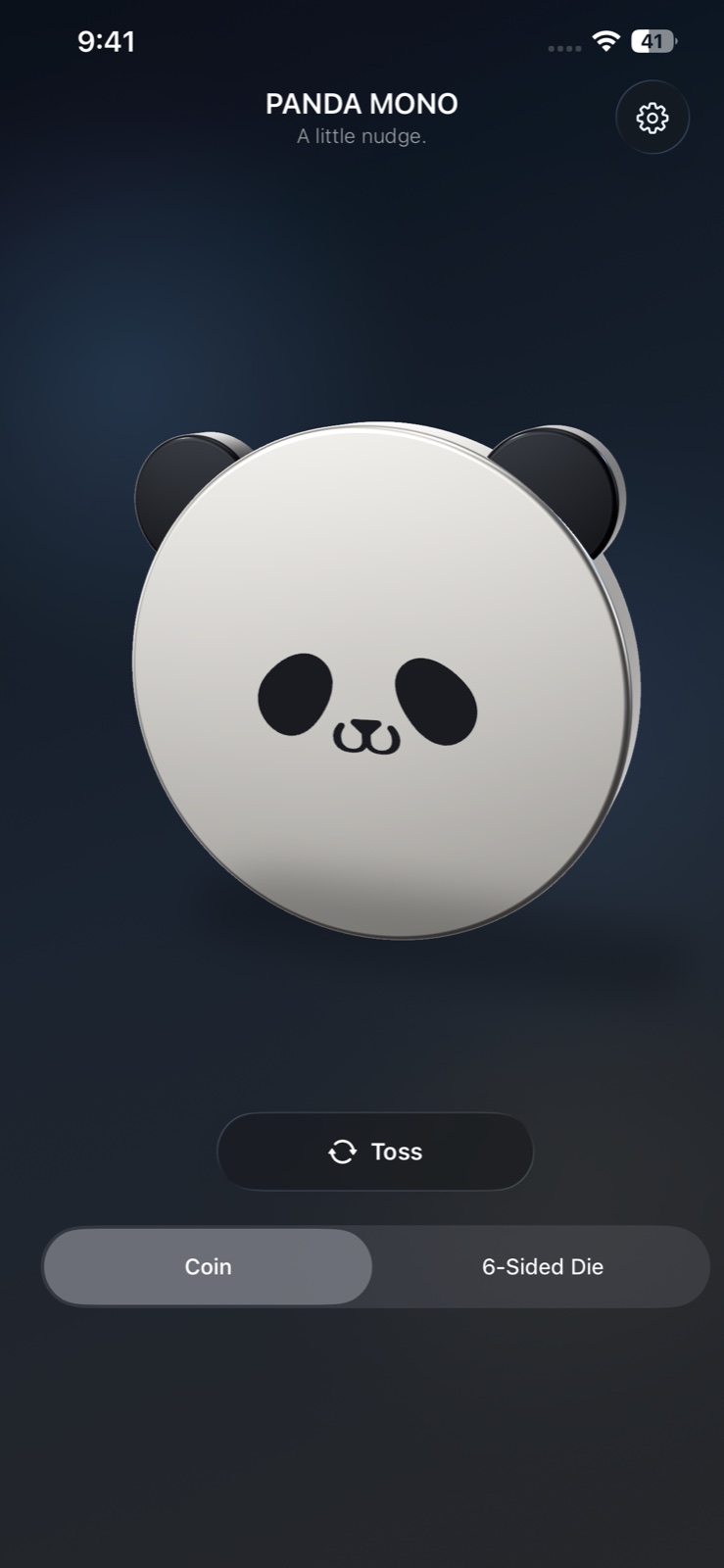
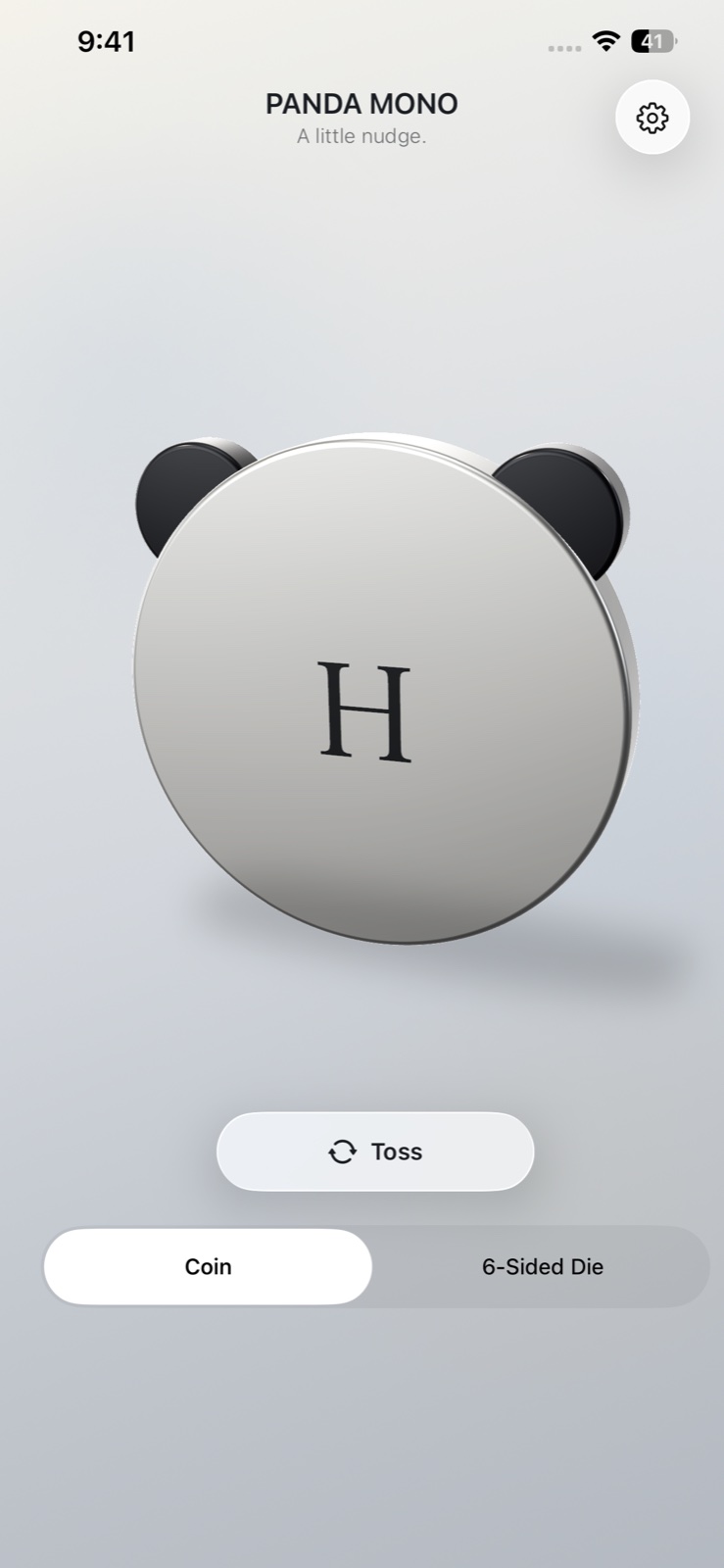
Want another result? Toss or roll in the app. Sound effects can be turned on or off.
FAQ
A few useful details
Do I have to open the app every time?
No. Once you’ve completed the initial setup and added the widget, you can check the result on your Lock Screen. Open the app when you want to change settings or toss or roll manually.
When does the answer update?
The app picks a result every five minutes. iOS controls when the widget refreshes on screen, so a change may appear later. The same result can also appear more than once in a row.
How do I add the widget?
Touch and hold your Lock Screen, tap Customize, choose the Lock Screen, then add PANDA MONO in the widget area. You’ll also find a guide inside the app. Labels and placement may vary by iOS version.
What kinds of choices is PANDA MONO for?
Use it for small everyday choices, such as picking a snack or a game. For important decisions or anything involving safety, don’t rely on the coin result alone. Think it through yourself or talk with someone you trust.
A little nudge.
One small answer
for a small choice.
Just a glance at your Lock Screen, right when you need it.